Singing voice guide
Explore ai voice cloning singing free with realistic expectations
A cloned speaking voice does not automatically sing a melody. If you want to experiment with your own vocal identity, start by checking whether a tool supports singing, what input it needs, and whether its available access fits your project.
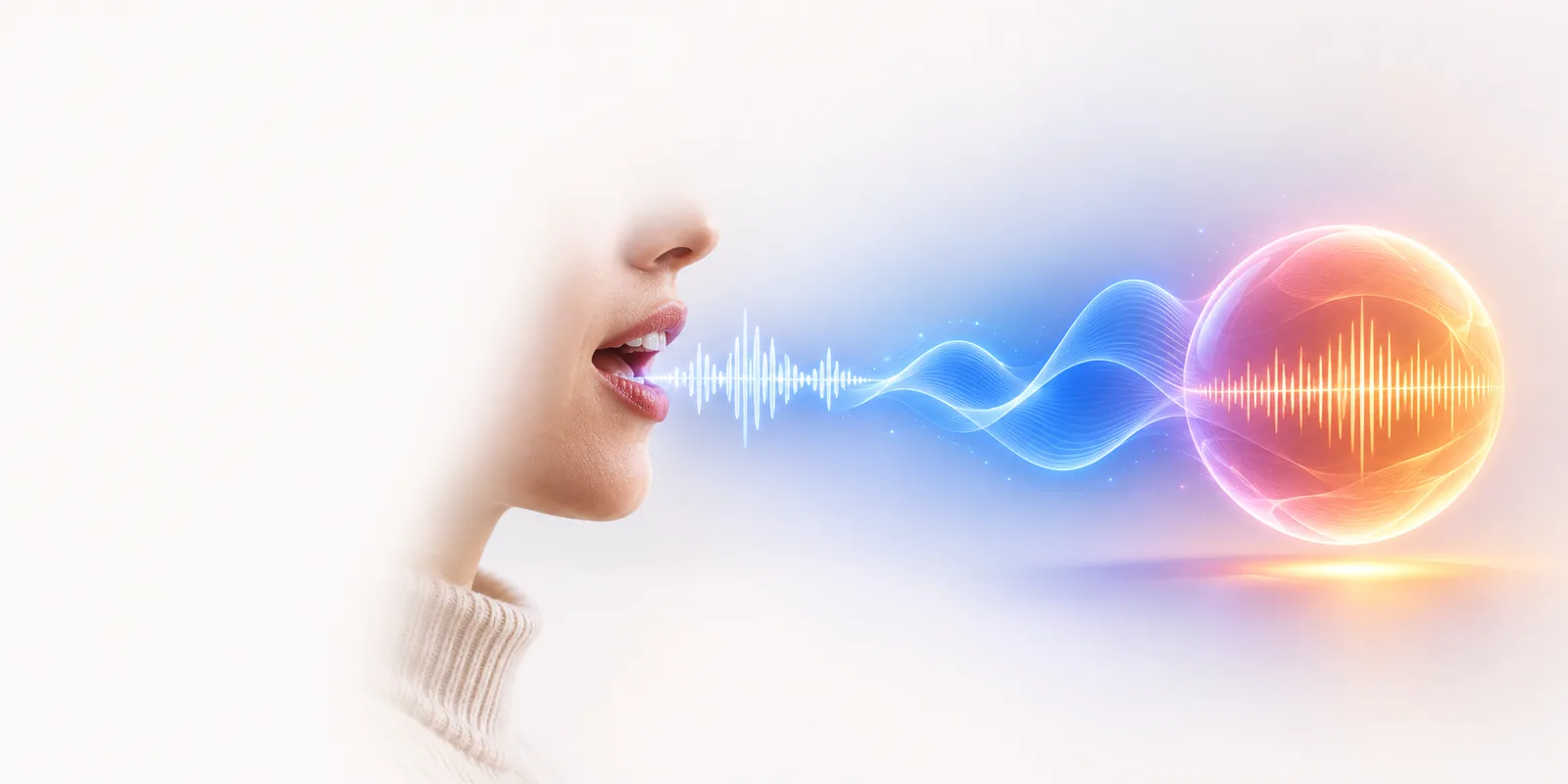
Singing versus general voice cloning
The distinction is the output you need: spoken words follow speech rhythm, while a sung line must follow notes and sustained timing.
- free ai voice cloning text to speech Compare the spoken-text workflow when your project needs narration rather than a melody.
- voice cloning free Review access questions separately from whether a tool can produce sung vocals.
- ai voice cloning examples free Look at example use cases to decide whether a voiceover or a vocal performance fits your idea.
Three things a singing workflow must handle
These are singing-specific requirements to check, not capabilities guaranteed by every voice cloning tool.
Follow a melody
A speech clone may reproduce words and vocal character without following pitch changes. Text alone does not specify the notes of a song, so a convincing singing result may need a melody, guide vocal, or another supported musical input.
What to do instead
Check the tool's accepted inputs before preparing a full song.
Hold notes naturally
Sustained vowels, transitions between notes, and breaths expose flaws that can be less noticeable in short spoken clips. A familiar speaking voice is therefore not proof that its sung version will sound natural.
What to do instead
Test a short, original phrase with one held note before planning a complete verse.
Fit the musical arrangement
A vocal can have the right words yet clash with a backing track's key, tempo, or phrasing. General ai voice cloning focuses on vocal identity; musical placement is a separate production task.
What to do instead
Keep the instrumental and vocal as separate material until you can evaluate their fit.
How to start with your own voice
Begin with a small test you have permission to make, rather than assuming a speech sample will become a finished song.
-
1
Choose a permitted voice
Use your own voice or one whose owner has clearly authorized this use. Decide whether you want a sung performance, a spoken introduction, or both; those goals can require different workflows.
-
2
Prepare an original phrase
Write a brief lyric and identify the melody you want it to follow. Keep the test short enough to hear pitch, timing, and pronunciation clearly, and check what vocal or musical inputs the tool actually accepts.
-
3
Evaluate before expanding
Listen for note accuracy, sustained vowels, intelligible words, and unwanted changes in voice character. Confirm singing support and any access restrictions in the destination product before committing time to a longer arrangement.
Limits to check before you continue
Aivoicecloning can help you frame the right questions, but this page cannot confirm that the destination supports sung voice cloning, a particular input type, or unrestricted access. Start with a voice you may use, test a short phrase, and check the product's current capabilities and terms before working on a full track.
Explore a vocal idea, then verify the workflow
- Use only voices and material you have permission to use
- Check singing support rather than assuming speech cloning includes it
- Review current access terms in the destination product
Singing voice cloning FAQ
Not necessarily. Speech cloning and singing synthesis place different demands on pitch, note length, and timing. Check for explicit singing support instead of treating a convincing spoken sample as a singing demonstration.
Availability depends on the tool's current access terms, and this page does not establish a free singing tier. Check the destination product before uploading material or planning a project around a particular level of access.
Prepare a short original lyric, the melody you want to test, and a voice you have permission to use. The required format may differ by product, so confirm accepted inputs before recording a lengthy guide vocal.
Singing stretches vowels and moves through pitches that may not be represented well in speech material. Differences in recording quality, pronunciation, and musical phrasing can also change the result. A short test helps reveal those issues early.
Do not assume that a publicly available recording grants permission to clone or publish someone's voice. Voice rights, copyright, platform rules, and laws can apply differently depending on the material and location. Use your own voice or obtain appropriate authorization.